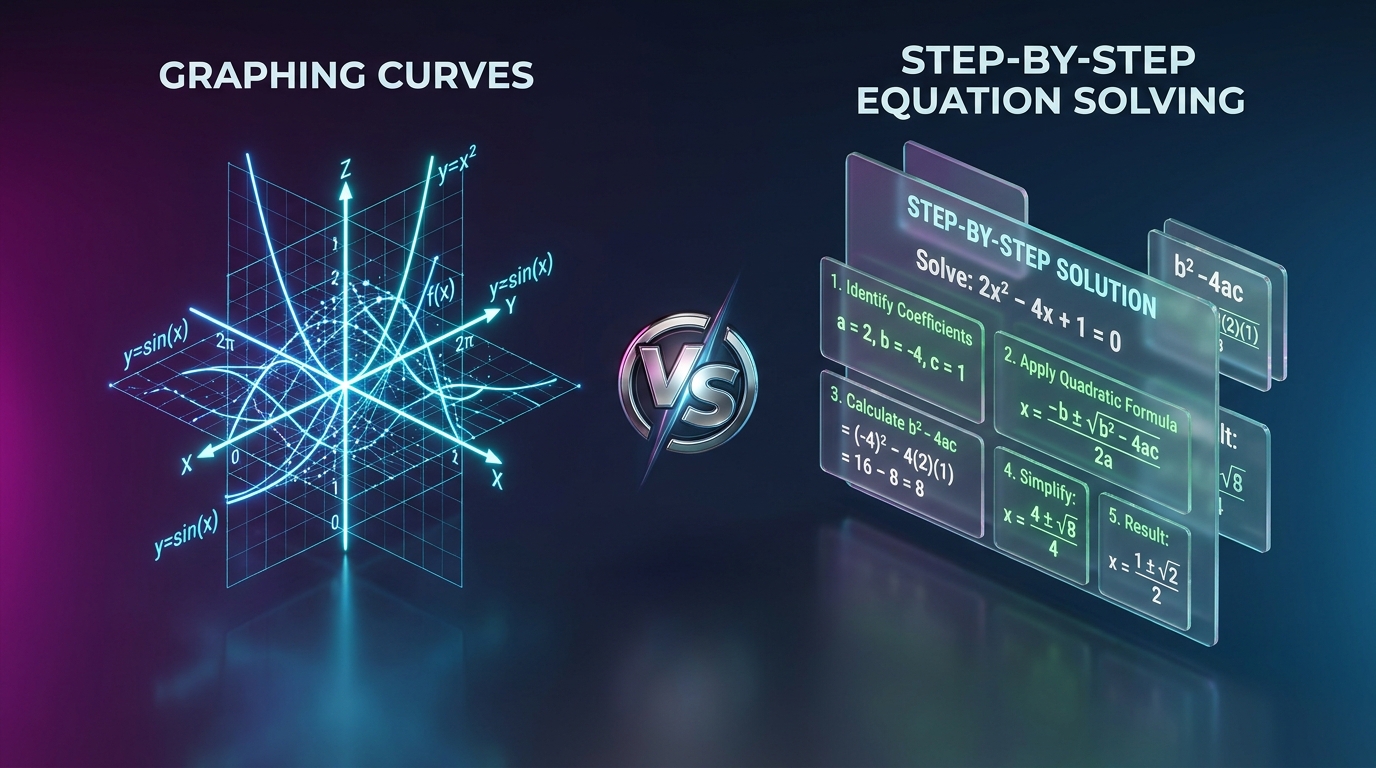
Desmos is the undisputed leader for visual Cartesian plotting, dynamic slider animations, and function graphing. However, when students need algebraic proofs, step by step equation reduction, fraction arithmetic, or printable formula cheat sheets, CalcSolver provides the dedicated step by step breakdown that Desmos does not offer.
Visual Graphing versus Algebraic Problem Solving
Students beginning algebra and geometry often assume all digital mathematics tools do roughly the same thing. However, graphing calculators and symbolic algebraic problem solvers serve entirely different purposes in mathematics education.
Desmos revolutionized mathematics instruction by replacing expensive handheld graphing calculators with a gorgeous, fluid, and intuitive browser based graphing plane. It is extraordinary at helping students visualize what a function looks like, how varying parameters alter trigonometric waves, and where parabolas cross coordinate axes.
However, when a homework assignment asks a student to show all work, isolate an unknown variable using inverse operations, or factor a polynomial step by step, Desmos does not output symbolic proofs. That is where CalcSolver comes in. CalcSolver was built specifically to solve the algebraic and analytical steps students must write down on paper to earn full credit on exams.
Core Strengths and Technological Comparison
Understanding when to reach for Desmos versus CalcSolver is key to mastering high school and college level mathematics:
| Key Capability | CalcSolver (solvecalc.site) | Desmos Studio |
|---|---|---|
| Primary Mission | Step by step algebraic derivations & solutions | Dynamic 2D/3D visual graphing & plotting |
| Step by Step Explanations | Full symbolic proofs with inverse steps | None (Visual plots only) |
| Fraction Arithmetic & Reduction | Dedicated step by step reducer & mixed numbers | Basic decimal to fraction toggle |
| Financial & Business Math | Loan amortization, compound interest, margins | Not supported out of the box |
| Dynamic Sliders & Animations | Focused analytical input fields | Industry gold standard sliders |
| Printable Formula Sheets | Included Free (Algebra, Geometry, Finance) | Not provided |
| Cost & Registration | 100% Free (No Account Needed) | 100% Free (Optional Google sign-in) |
Comparing the Two Workflows for Slope and Intercept Calculations
To see how both tools complement each other, consider finding the slope and equation of a straight line passing through two points: (2, 3) and (6, 11).
If you plot these points in Desmos, you can visualize the geometric incline and adjust regression parameters to see the line pass through both coordinates. It provides an intuitive visual verification that the line slopes upward from left to right.
However, when your teacher asks you to write down the formal algebraic proof on an assignment, using the Slope Calculator on CalcSolver provides the exact handwritten steps required:
- Step 1: Apply the slope formula:
m = (y₂ − y₁) / (x₂ − x₁) = (11 − 3) / (6 − 2). - Step 2: Simplify numerator and denominator:
m = 8 / 4 = 2. The line rises two vertical units for every one horizontal unit. - Step 3: Solve for the y-intercept: Use the slope intercept formula
y = mx + bwith point(2, 3):3 = 2(2) + b ⟹ 3 = 4 + b ⟹ b = −1. - Step 4: Formulate the final equation: Write the complete linear function in slope intercept form:
y = 2x − 1and standard form:2x − y = 1.
By using CalcSolver for the algebraic computation and Desmos for visual graph verification, students build both conceptual intuition and symbolic mastery.
Classroom Utility and Offline Accessibility
Many school districts and examination boards restrict online tools during quizzes or tests to prevent unauthorized communication. Desmos offers specialized test mode apps for standardized examinations like the SAT and AP exams.
CalcSolver similarly supports full offline execution as a Progressive Web Application. When added to a student Chromebook or tablet home screen, CalcSolver operates completely without internet connectivity. Because all calculation logic runs locally on the device, it provides an invaluable study aid in environments where Wi-Fi is either unavailable or restricted.
Additionally, CalcSolver includes institutional grade printable formula reference sheets covering Algebra, Fractions, Geometry, and Everyday Finance. These one page PDF guides are designed specifically for student binder inserts and classroom reference walls.
How to Pair Desmos and CalcSolver for Maximum Math Exam Mastery
Rather than viewing Desmos and CalcSolver as competitors, successful STEM students treat them as complementary power tools:
- Use Desmos to explore: Graph functions, drag sliders, observe asymptotes, and examine real time intersections of curves to gain a gut level understanding of mathematical behavior.
- Use CalcSolver to execute: Verify step by step equation balancing, simplify rational fractions, factor polynomials, calculate matrix determinants, and ensure every line of your written homework proof is mathematically flawless.
Combining the visual power of Desmos with the rigorous step by step verification of CalcSolver gives students an unbeatable advantage in secondary and higher education mathematics.
Frequently Asked Questions
Does Desmos show step by step algebraic steps for equations
No. Desmos is specifically architected as a visual graphing calculator and dynamic function evaluator. It plots curves and finds points of intersection on a Cartesian plane, but does not output symbolic step by step reduction proofs.
Can I use both Desmos and CalcSolver together during homework
Yes, pairing them is highly recommended. Use CalcSolver to calculate and verify algebraic proofs, factor polynomials, and balance equations step by step, and use Desmos to visualize the resulting curves and geometric intersections.
Are both platforms free of charge
Yes, both Desmos and CalcSolver are completely free to use without mandatory subscription fees or credit card requirements.
Does CalcSolver offer printable reference materials
Yes, CalcSolver provides a dedicated Formula Reference Hub with institutional grade one page cheat sheets for Algebra, Geometry, Fractions, and Finance.